When someone you love dies, the days before the service go by in a blur. There are calls to make, arrangements to settle and a hundred small decisions. Somewhere in the middle of it, someone usually says, "We should make a slideshow."
Then the hard part begins. The photos are spread across five phones, two shoeboxes and an aunt's Facebook album. Somebody has to collect them, scan the old prints, choose the music and figure out a video program the night before the service.
We built Rememery so that part feels lighter. Here is what makes it different.
1. Start free and see everything before you pay
You can create a slideshow, add every photo, choose the music and watch the whole thing play back before you spend a cent. You only pay when you are happy with it and ready to download: $75 for the slideshow, or $175 for the slideshow and a Legacy Website together.
Getting started takes a minute. You give us their name, your name and your email, and you are in. There is no software to install and nothing to learn first.
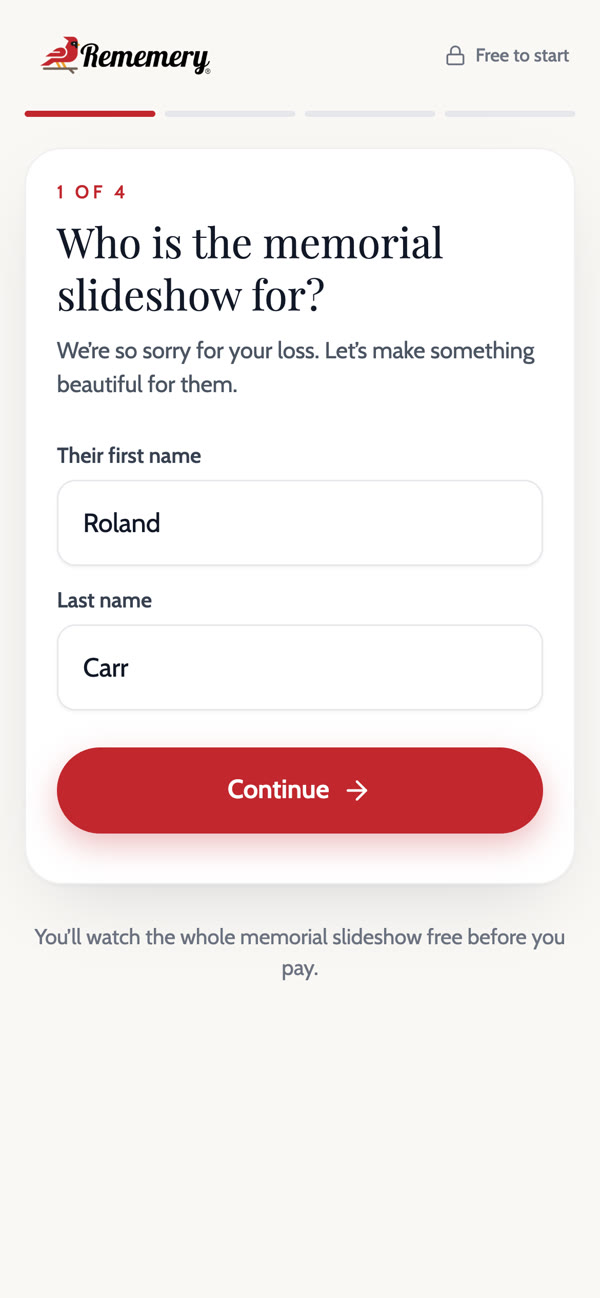 Starting Roland's slideshow on a phone. Four short questions and you are in.
2. The whole family can add photos from their phones
This is the part families tell us they love most. Instead of chasing everyone for pictures, you share one link by text, email or Facebook. Cousins, old friends and coworkers open it on their phones and add the photos and videos you have never seen.
You stay in charge. Everything others send waits for you to approve it, so only the photos you choose end up in the slideshow. Your own photos go straight in.
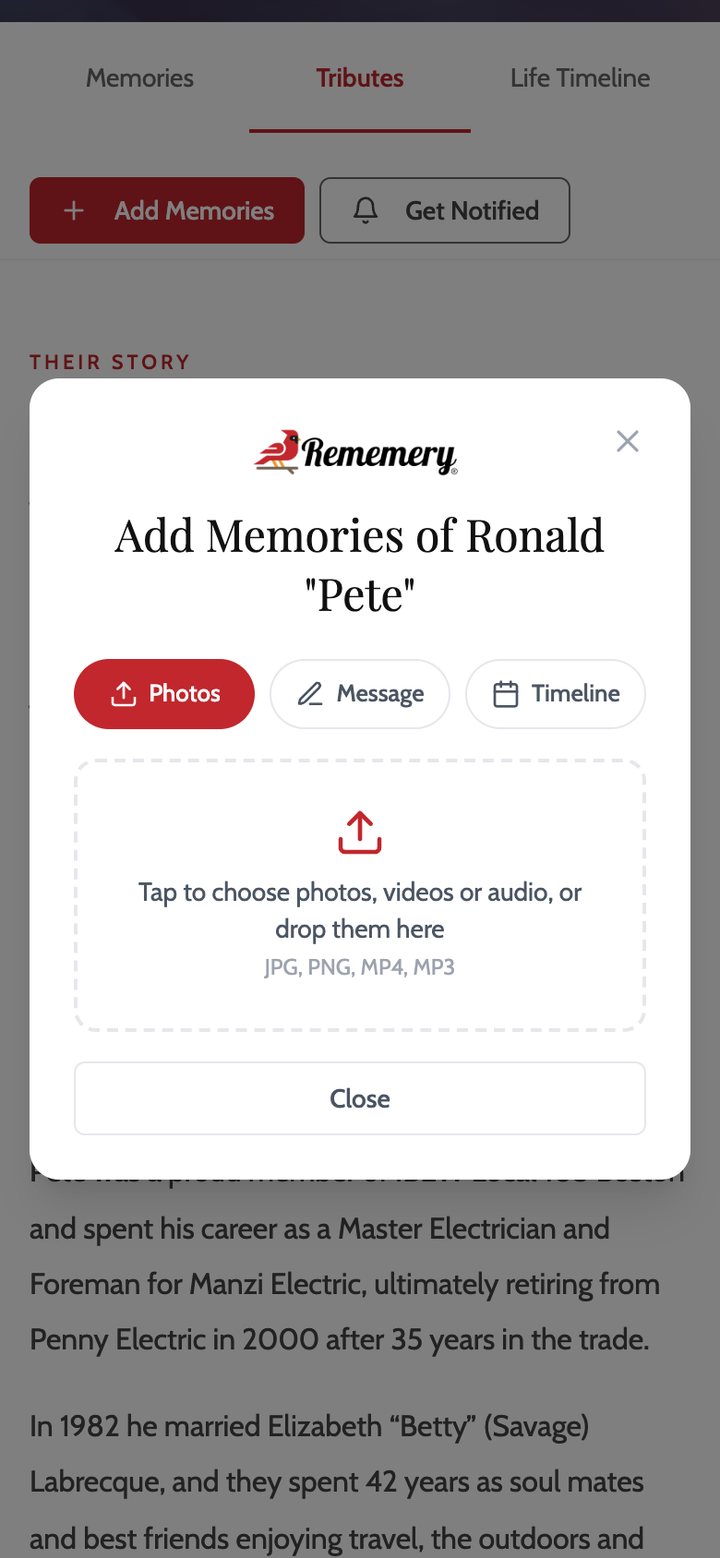 What family and friends see when they open your link: tap, choose photos and send.
3. Photos and videos, as many as you have
Add every photo you have. Rememery takes iPhone and Android photos, scans of old prints and short videos too, including the clips people film on their phones. Videos play right inside the slideshow, with their own sound, so you can hear their laugh again.
Uploads are fast, even when a family adds dozens of photos at once from a phone.
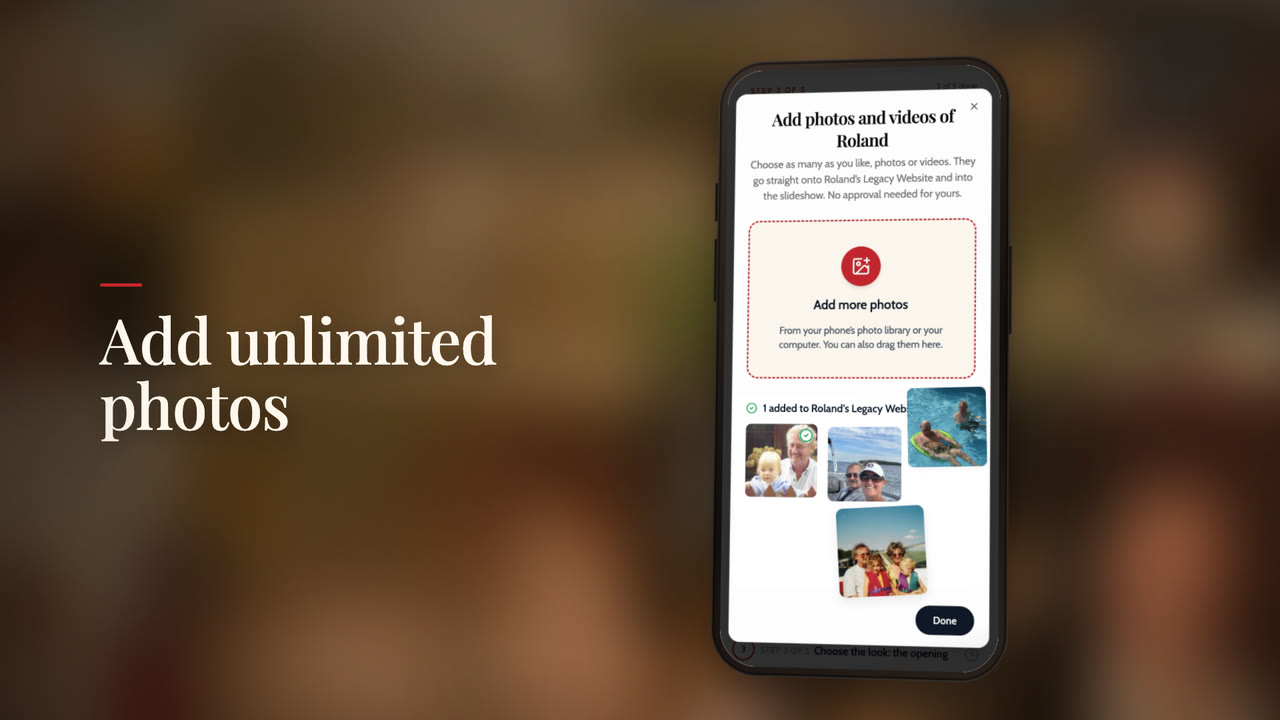 Adding photos of Roland from a phone. Your own photos go straight into the slideshow.
4. Put them in order, fix the ones that need it
Drag the photos into the order you want, the way their life unfolded. A photo came in sideways or with a thumb in the corner? Crop it or turn it in a few seconds, and undo it any time. Whatever you change shows up in the slideshow right away.
5. Make it look the way they would have wanted
- An opening to set the tone, chosen from a library of beautiful backgrounds.
- Their name in the typeface that fits them: classic, elegant, engraved, warm, modern, script or handwritten.
- Smooth transitions and photo layouts, from gentle fades to pages that show two, three or four photos together, so the whole story flows.
- Music from our library, sorted by style (Hymns and Faith, Piano, Strings and Orchestral, Acoustic and Guitar, Peaceful and Reflective, Uplifting, Country, Classical and more), or upload their favorite song.
You watch a live preview as you go, so there are no surprises on the day.
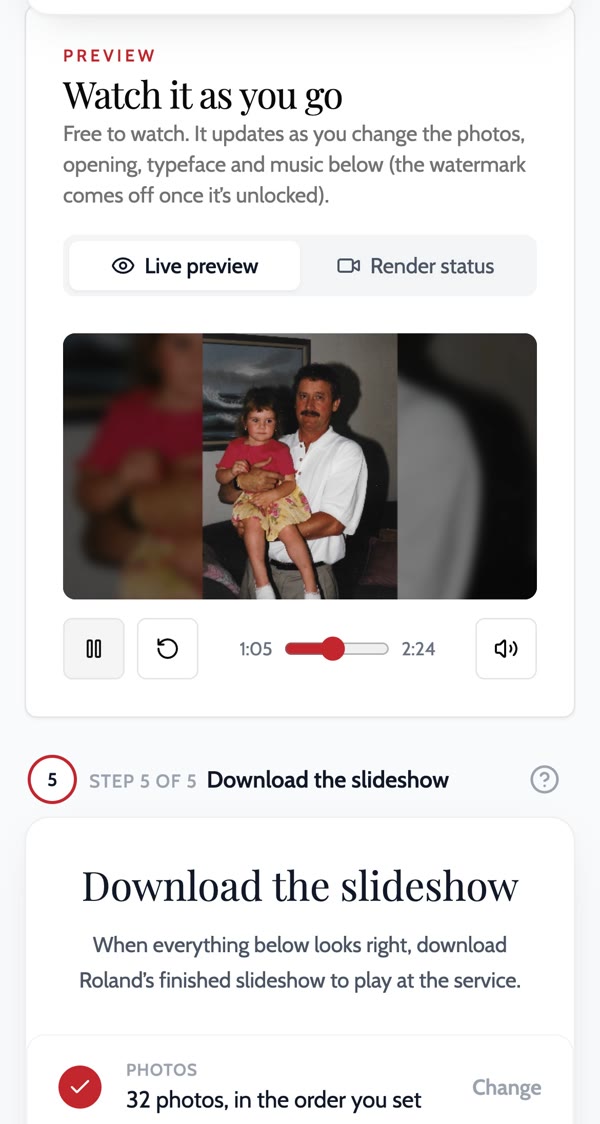 The live preview updates as you change the photos, opening, typeface and music.
6. Ready for the service
When you are happy with it, download the finished video and play it at the service, on the funeral home's screen or from a laptop. Many families finish in about 15 minutes once the photos are in.
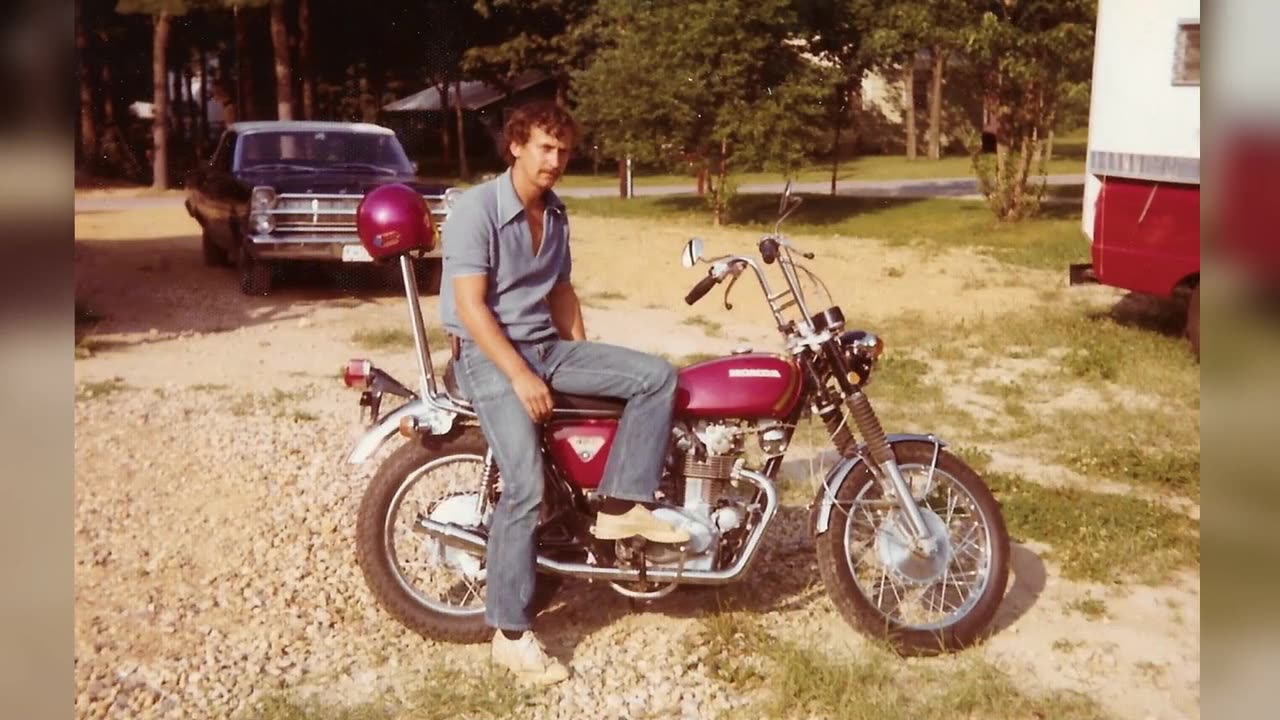 A moment from Roland's finished slideshow, ready to play at the service.
Every slideshow also comes with a free social video: a short vertical version of their photos and service details, made for Instagram and Facebook, so friends who can't be there still feel part of it.
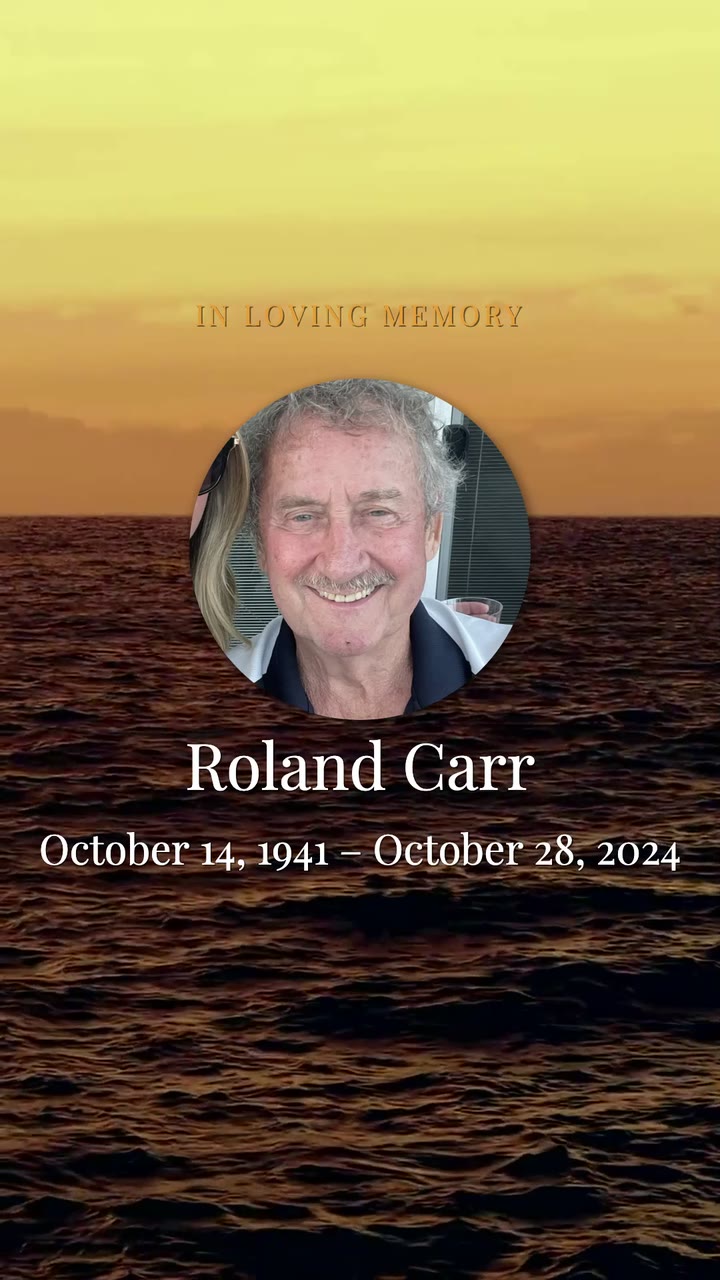 The opening of Roland's free social video, made for Instagram and Facebook.
7. A Legacy Website that keeps their story
The service is one day. A Legacy Website is the place people come back to. It holds their obituary, every photo and video, a Life Timeline of the moments that shaped them, and tributes where friends can light a candle, send flowers or leave a message. You can keep it open to everyone or protect it with a password.
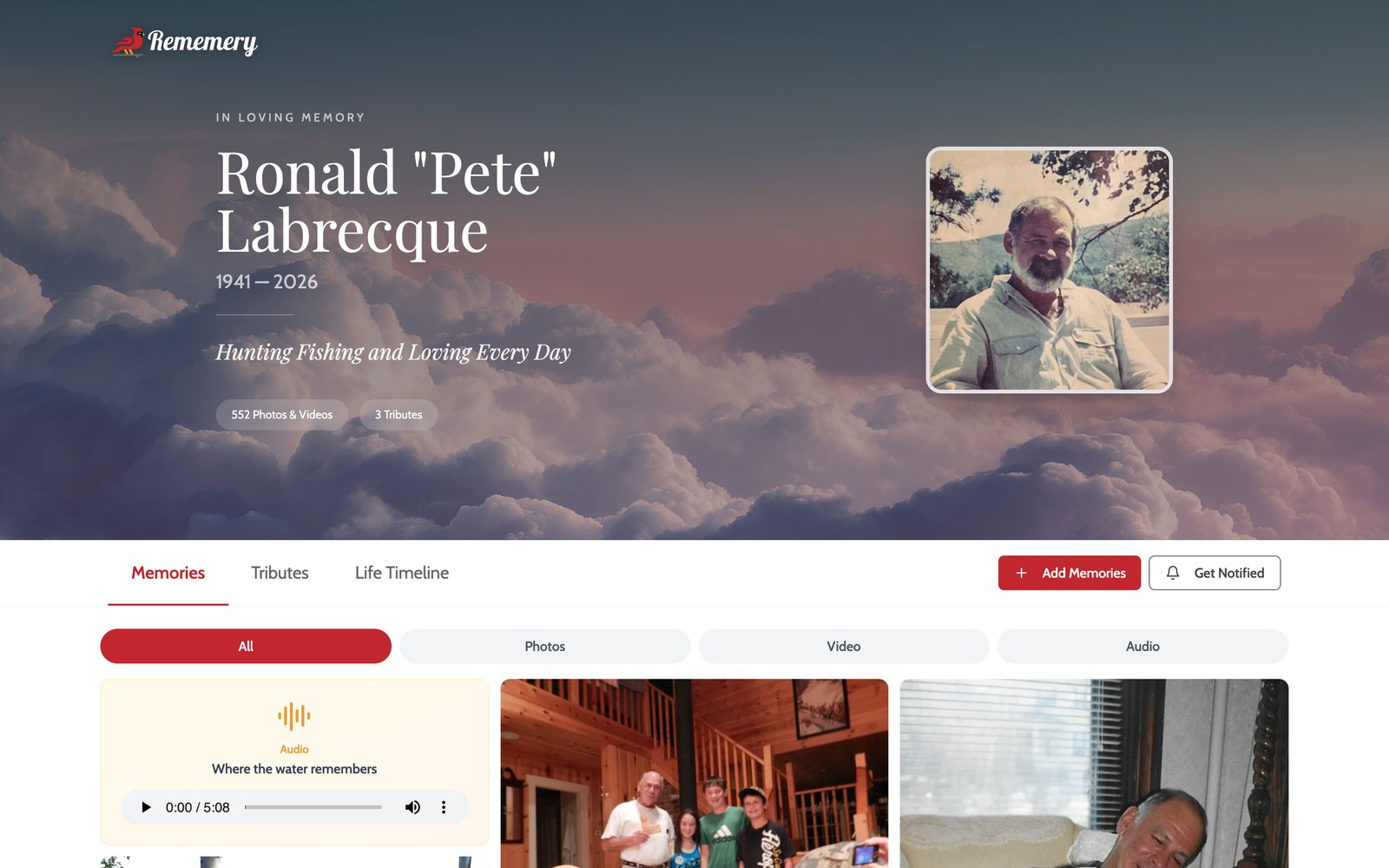 Pete's Legacy Website: his photos and videos, tributes and Life Timeline in one place.
At the service, a QR code on a sign or the prayer cards lets guests add their own photos from their phones. Families can also add a Legacy Plaque that links a headstone, urn or bench to the website, so anyone who visits can scan it and see their whole story.
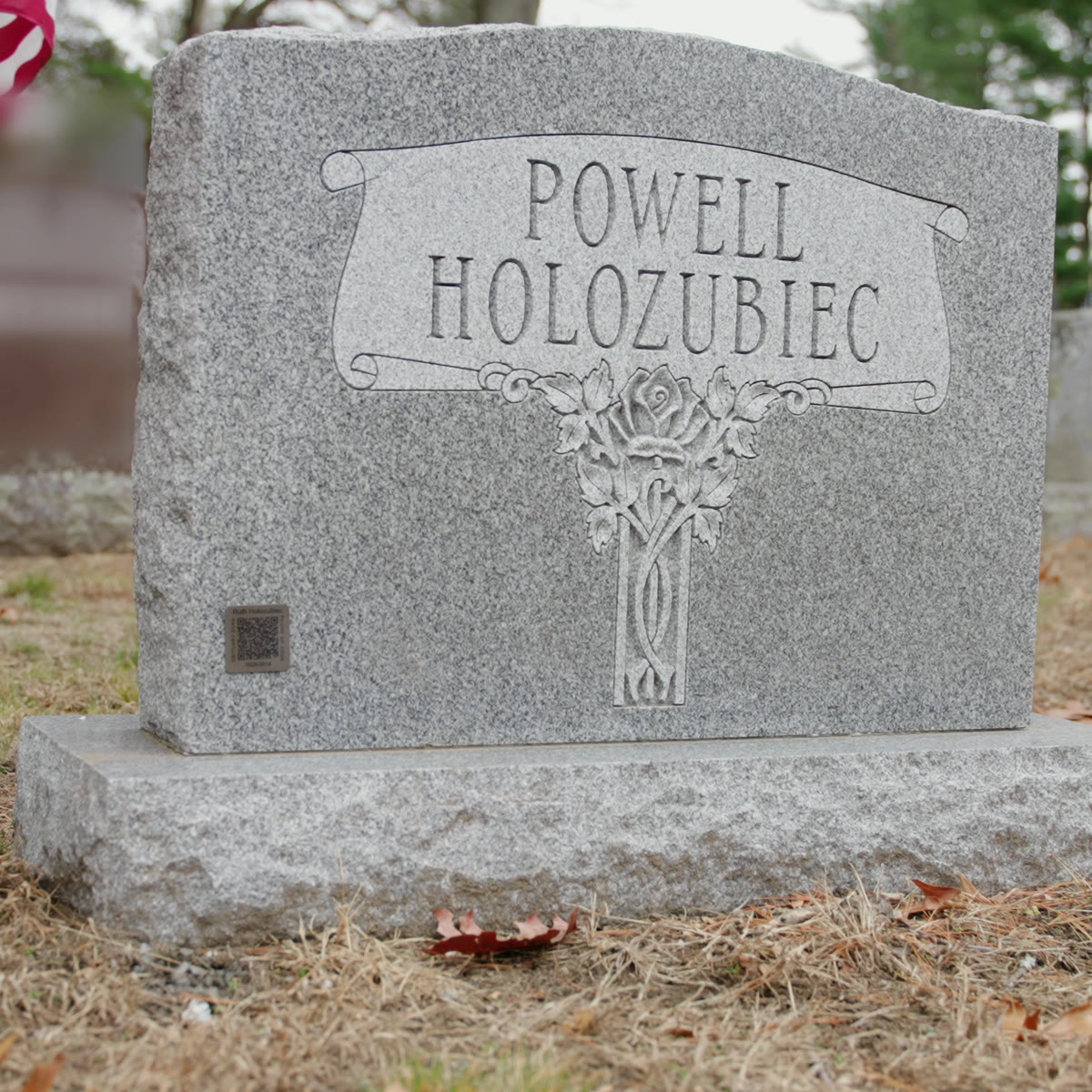 A Legacy Plaque on a family headstone. One scan opens their Legacy Website.
8. Help writing the obituary
Not sure what to write? Our free obituary writer asks a few gentle questions and turns your answers into an obituary and a eulogy, using only your words. You edit it until it sounds like them.
9. Funeral homes, hospices and pet aftercare use it too
Rememery works with funeral homes and care partners who set families up in minutes. Families get a text and an email with their link, everyone adds photos from their phones, and the slideshow is ready when the service is. Partners pay nothing up front and nothing monthly.
10. Real people when you need them
If you get stuck, chat with us from any page or write to support@rememery.com, and a real person on our team will help you finish.
What families say
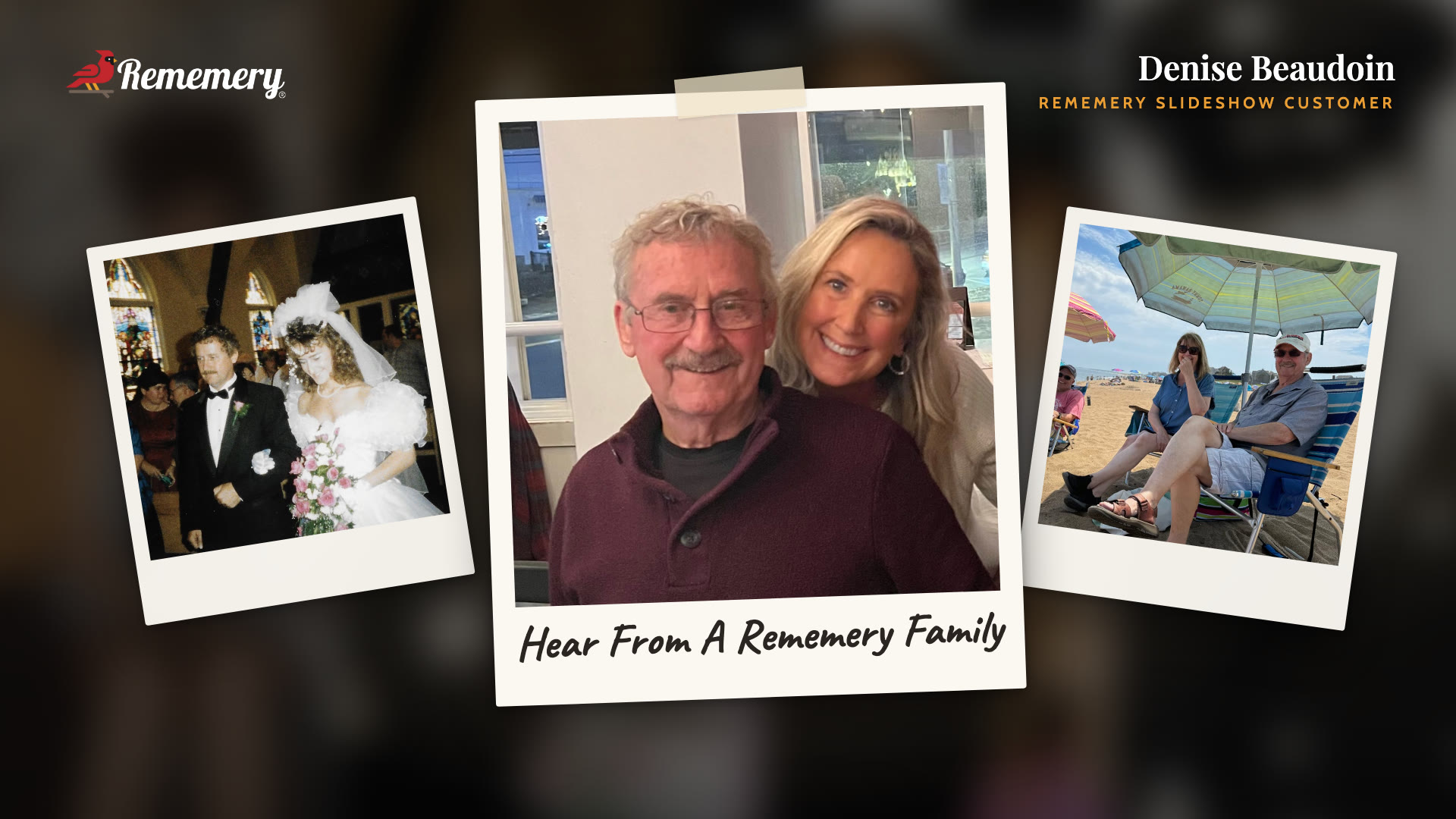 Denise made her father Roland's slideshow with Rememery.
"Honestly, seeing my papaw again and having a way to honor one of the most amazing men in my life meant more than I can say." Addie B.
"Dealing with a loss is quite the emotional roller coaster and navigating the process can be quite challenging already. Using this platform has created such an easy, seamless, and beautiful way to honor someone's life." Andrew B.
"Everything is intuitive, with no tech hurdles to jump over." Mike C.
Make their slideshow today
You don't have to do this alone, and you don't have to do it the night before. Start their slideshow for free, invite the family to add their photos, and see it play before you pay a thing.