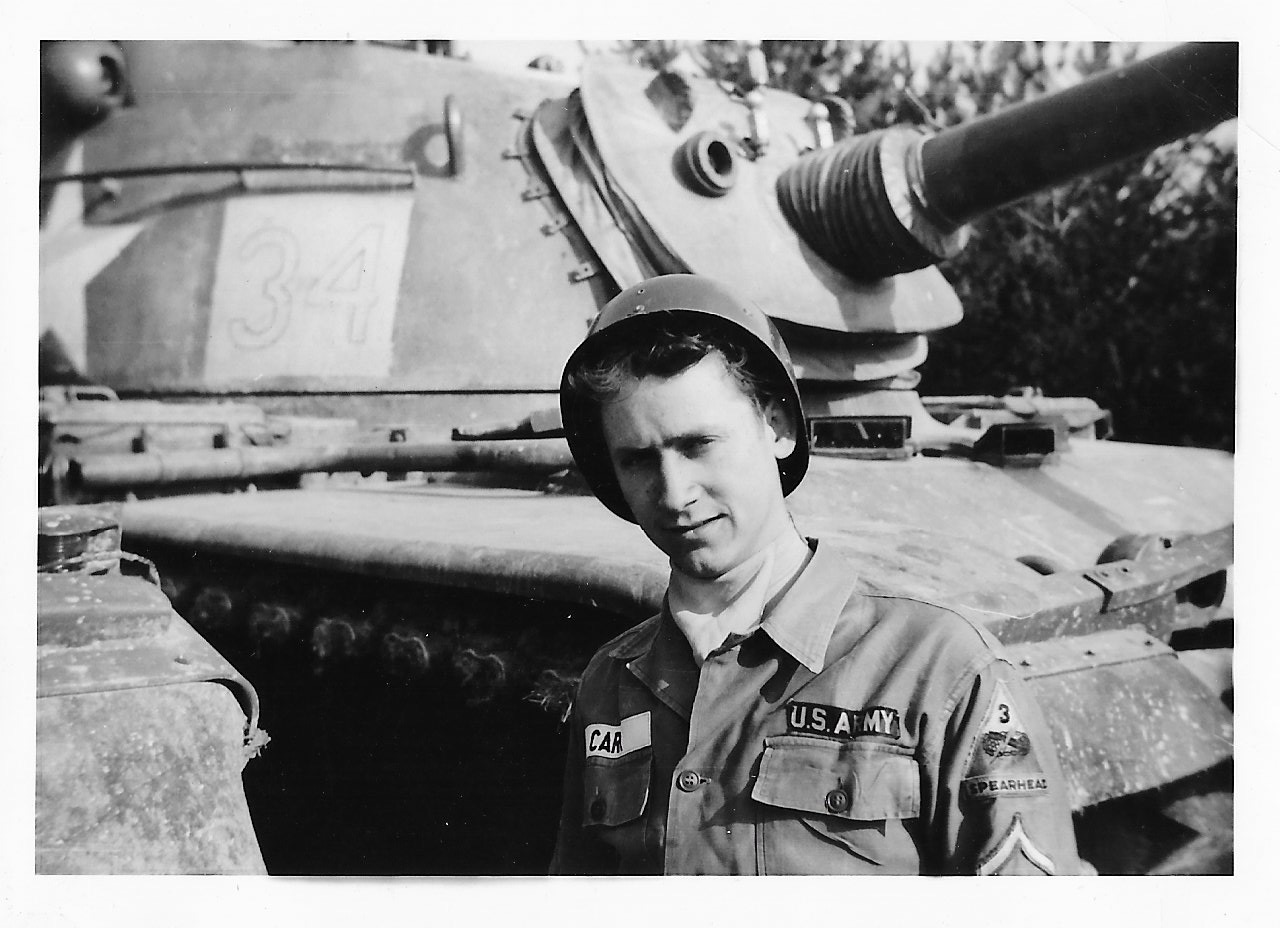
A funeral slideshow is often the moment people remember most from a service. For a few minutes, the room sees the whole life: the baby photos, the wedding, the grandkids, the ordinary Saturday afternoons. This guide walks you through how to make a funeral slideshow or memorial slideshow step by step, even if you have never made a video before and only have a few days.
What is a funeral slideshow? A funeral slideshow (also called a memorial slideshow, memorial video or celebration of life slideshow) is a short video of photos and video clips set to music. It usually plays during the visitation, before the service begins, or as part of the service itself. Many families also share it online afterwards, so relatives who couldn’t attend can watch.
How long should a funeral or memorial slideshow be? Most funeral and memorial slideshows run 4 to 8 minutes. That is long enough to tell the story of a life and short enough to hold the room. As a guide:
A slideshow during the service: 4 to 6 minutes (one or two songs). A loop during the visitation: 8 to 15 minutes, since people come and go. If you have more photos than time, choose fewer and let each one breathe. A slideshow that feels slightly too short is always better than one that feels too long.
How many photos do you need for a funeral or memorial slideshow? Plan on each photo showing for about 4 to 5 seconds. That works out to roughly:
Slideshow length Photos 3 to 4 minutes (one song) 40 to 50 6 to 8 minutes (two songs) 80 to 100 10 to 15 minutes (visitation loop) 120 to 180 You don’t need perfect photos. Blurry, candid, laughing photos often mean more to the family than formal portraits.
Ways to make a funeral slideshow There are three common ways to make a memorial slideshow:
Make it yourself with a program you already have, like PowerPoint, Google Slides or iMovie. It’s free, but it takes hours, and collecting photos from everyone is up to you. Ask the funeral home. Many offer a slideshow if you bring the photos to them. Use an online funeral slideshow maker. You upload or collect the photos, choose the music, and the video is made for you. This is the fastest way when time is short. Whichever you choose, the steps below are the same.
How to make a funeral slideshow, step by step
- Gather photos from the whole family The best slideshows aren’t made from one person’s phone. Ask children, grandchildren, siblings and old friends for their favorites. Every family has someone with the photo nobody else has seen.
The easiest way is to send one link that everyone can use to add photos from their own phone, instead of collecting them by text, email and Facebook messages.
-
Scan the old prints Childhood photos and wedding photos are usually prints. Scan them, or photograph them flat in good daylight with your phone, straight on, with no glare. Free scanning apps do a good job in minutes.
-
Choose and put them in order Most families go in order through life: childhood, growing up, love and marriage, family, later years. It feels natural and lets the room follow the story. Some families group photos by theme instead (holidays, travels, hobbies). Either works. Just keep the last few photos special, because people remember the ending.
-
Pick the music Music sets the feeling of the whole slideshow. Choose one or two songs that meant something to them, or that fit their faith or their spirit. Ideas are in the next section.
-
Add an opening Start with a title: their name, their dates and a favorite photo, so everyone knows what they are about to watch. Keep any words on screen short.
-
Build it and watch it through Put the photos and music together, then watch the whole thing once without stopping. Check that no photo is sideways, that faces aren’t cut off, and that the music doesn’t end abruptly.
-
Test it where it will play Ask the funeral home how they play videos (a TV, a projector, a laptop) and which file they need. Bring a copy on a USB drive as a backup, and test it before guests arrive.
What are the best songs for a funeral or memorial slideshow? The best song is the one that sounds like them. If you need a starting point, these are among the most chosen songs for funeral and memorial slideshows:
Hymns and faith
Amazing Grace How Great Thou Art I Can Only Imagine (MercyMe) It Is Well with My Soul Classics
What a Wonderful World (Louis Armstrong) Somewhere Over the Rainbow (Israel Kamakawiwo’ole) Wind Beneath My Wings (Bette Midler) My Way (Frank Sinatra) Tears in Heaven (Eric Clapton) Country
Go Rest High on That Mountain (Vince Gill) If Heaven Wasn’t So Far Away (Justin Moore) Who You’d Be Today (Kenny Chesney) Modern
Supermarket Flowers (Ed Sheeran) See You Again (Wiz Khalifa and Charlie Puth) Hallelujah (Jeff Buckley) One tip: if you plan to share the slideshow on Facebook, Instagram or YouTube afterwards, popular songs can be muted or blocked there. Gentle instrumental music avoids that.
Tips for a memorial slideshow that feels like them Mix in short video clips. A few seconds of their voice or their laugh can mean more than any photo. Use few words on screen. Let the photos speak. Include the everyday moments, not only the big occasions. End with something hopeful: a favorite saying, a last smiling photo, or their name again. Ask for help. Gathering photos is a beautiful way for the whole family to take part. How to play a funeral slideshow at the service Most funeral homes can play a video from a USB drive or a laptop on a TV or projector. Ask them ahead of time:
Which file type they need (an MP4 video works almost everywhere). Whether the room has sound. Who will press play, and when. Always keep a second copy on your phone, just in case.
Make a funeral or memorial slideshow online with Rememery If the days before the service are already full, Rememery’s funeral slideshow maker does the hard parts for you:
Everyone adds photos from their phone with one link: family, friends, anyone who knew them. No app or account needed. You approve each photo and drag them into the order you want. Choose the opening, the music by style (hymns, piano, country and more) and the typeface for their name, and watch a live preview as you go. The finished slideshow is usually ready within the hour, to play full screen at the service or download. A Funeral Slideshow is $75, and you only pay when it’s ready. Many families add a Legacy Website (a lasting online memorial with every photo, the obituary and messages from everyone who visits) with the Slideshow + Legacy Website bundle for $175.
Start your funeral slideshow